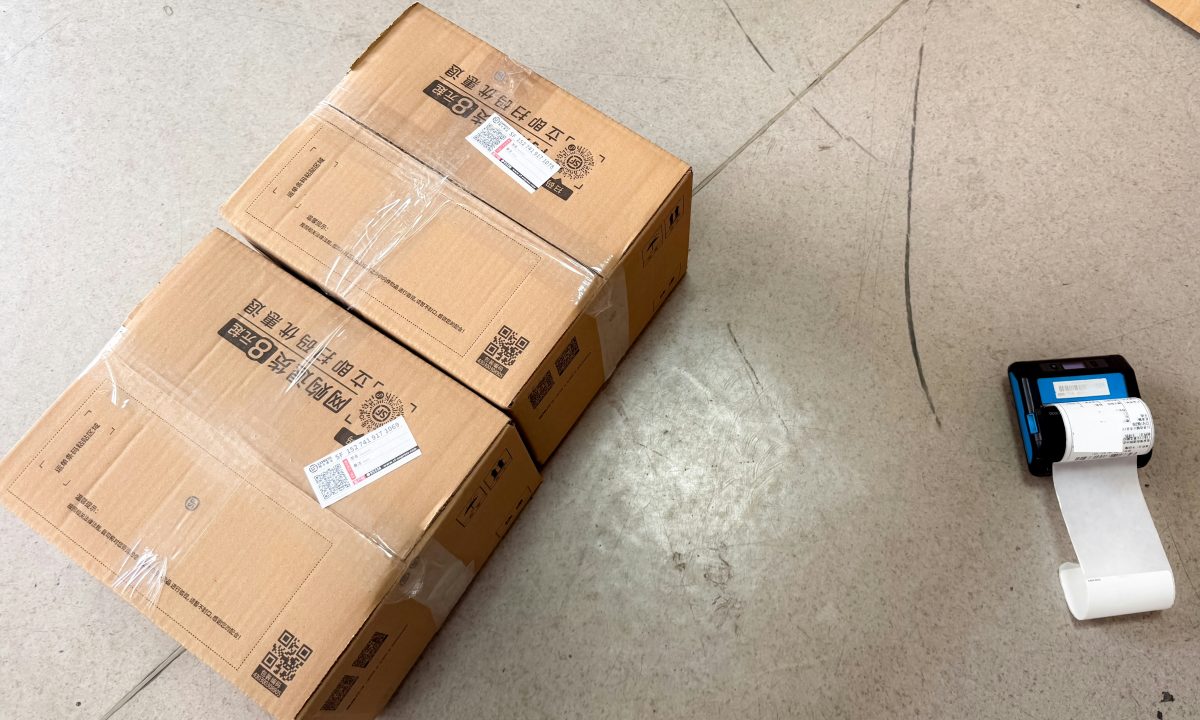
Brother announced four new mobile thermal label printers for logistics, delivery, manufacturing and retail operations on September 3, 2026. The refreshed RJ Series is designed for work where labels and forms need to be printed close to the package, product or service location rather than at a fixed office printer.
The announcement covers the RJ-4255WB, RJ-4235B, RJ-3255WB-L and RJ-3235B-L. Brother said the models were planned for release in late October. Two versions include wireless LAN and support WPA3-SAE authentication, giving organizations a newer wireless security option for mobile printing deployments.
Four models cover different label widths
The lineup is divided into 4-inch and 3-inch devices. The RJ-4255WB and RJ-4235B support media widths up to 114 millimeters, making them suitable for wider shipping labels, picking lists, receipts and delivery documents. The RJ-3255WB-L and RJ-3235B-L support media up to 80 millimeters, a better fit for compact product labels, shelf labels and smaller production-floor tags.
All four models support Bluetooth. The RJ-4255WB and RJ-3255WB-L add wireless LAN, allowing customers to choose a network-connected model where a shared wireless infrastructure is preferred. The other two models provide a Bluetooth and wired connection path for environments that do not need printer access over Wi-Fi.
WPA3-SAE is the key wireless change
Brother identifies WPA3-SAE support on the RJ-4255WB and RJ-3255WB-L. WPA3-SAE is a Wi-Fi authentication method designed to strengthen protection when devices join a wireless network. For organizations deploying printers in warehouses, retail back rooms or production areas, the feature gives IT teams another option when aligning mobile equipment with current network-security requirements.
Wireless capability alone does not guarantee a successful installation. Before choosing a model, administrators should confirm that the access points and network policy support the required authentication method, and decide whether printers will join a dedicated device network or an existing staff network. The printer’s network credentials and management process should be handled in line with the organization’s normal device-security rules.
Bluetooth remains available across all four models, which gives teams another way to connect a mobile printer when a Wi-Fi connection is not required. The best choice depends on how many users need access, how far the printer moves during a shift and whether print jobs are sent directly from a handheld device or from a central application.
Built for movement around the workplace
Brother lists a maximum print speed of 127 millimeters per second for the series. Each model has a 2.4-inch monochrome LCD and LED indicators that help operators check information such as paper availability and communication status. The 4-inch models also add USB Type-C for charging and data communication.
The new devices are designed for field use. Brother says the RJ-4255WB and RJ-4235B underwent drop testing from 2.1 meters, while the 3-inch RJ-3255WB-L and RJ-3235B-L were tested from 2.0 meters. All four models are rated IP54 for dust and water resistance. Those specifications are relevant for mobile operations, but they do not remove the need to protect equipment from impacts, moisture and handling conditions outside the stated rating.
Planning a wireless installation
For a warehouse or retail deployment, start by mapping the areas where labels are printed and checking wireless coverage at those exact locations. A printer that works reliably near an access point may lose connectivity at a loading bay, stockroom corner or outdoor handover point. Test the intended device model with the organization’s real network security settings before ordering a large fleet.
It is also useful to standardize printer names, media sizes and application profiles. When staff move between work areas, consistent naming and clear label templates reduce the chance of selecting the wrong device or printing on the wrong width of stock. Keep a charging routine and spare-media process in place so a mobile printer remains available during busy periods.
Choosing the right RJ model
The new range gives buyers a straightforward starting point: select 4-inch or 3-inch media support first, then decide whether wireless LAN is needed in addition to Bluetooth. The WPA3-SAE models are the options to evaluate where Wi-Fi security and shared network access are important. Teams that mainly print from a nearby handheld device may find Bluetooth sufficient.
Brother’s refresh shows how mobile label printing is adapting to more distributed work. By combining ruggedized design, multiple connection choices and WPA3-SAE on selected models, the RJ Series is aimed at operations that need to print accurate labels wherever goods are handled.
Estimated reading time: 5 minutes.