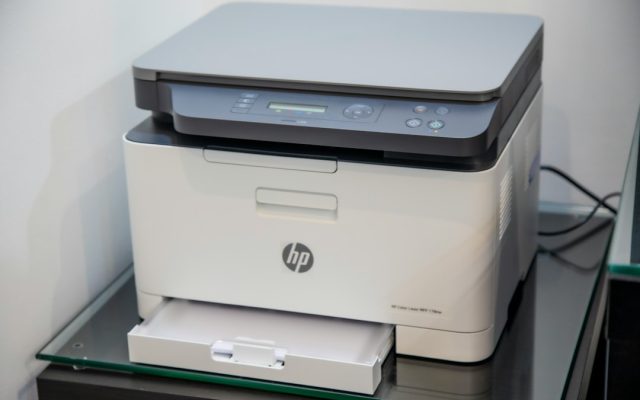
Canon is expanding its imagePROGRAF TM line with eight large-format printers, including the series’ first models with an integrated scanner. Announced on September 29, the TM-610M and TM-510M combine printing, scanning and copying in one device, giving architecture and design offices a way to handle oversized drawings without relying on a separate large-format scanner.
The new models were scheduled to go on sale on October 16, 2026. The TM-610M supports A0-plus output, while the TM-510M supports A1-plus formats. The wider lineup also includes six printer-only models, so organizations can choose between a print-focused device and a multifunction system according to the work they need to handle.
A scanner becomes part of the printer workflow
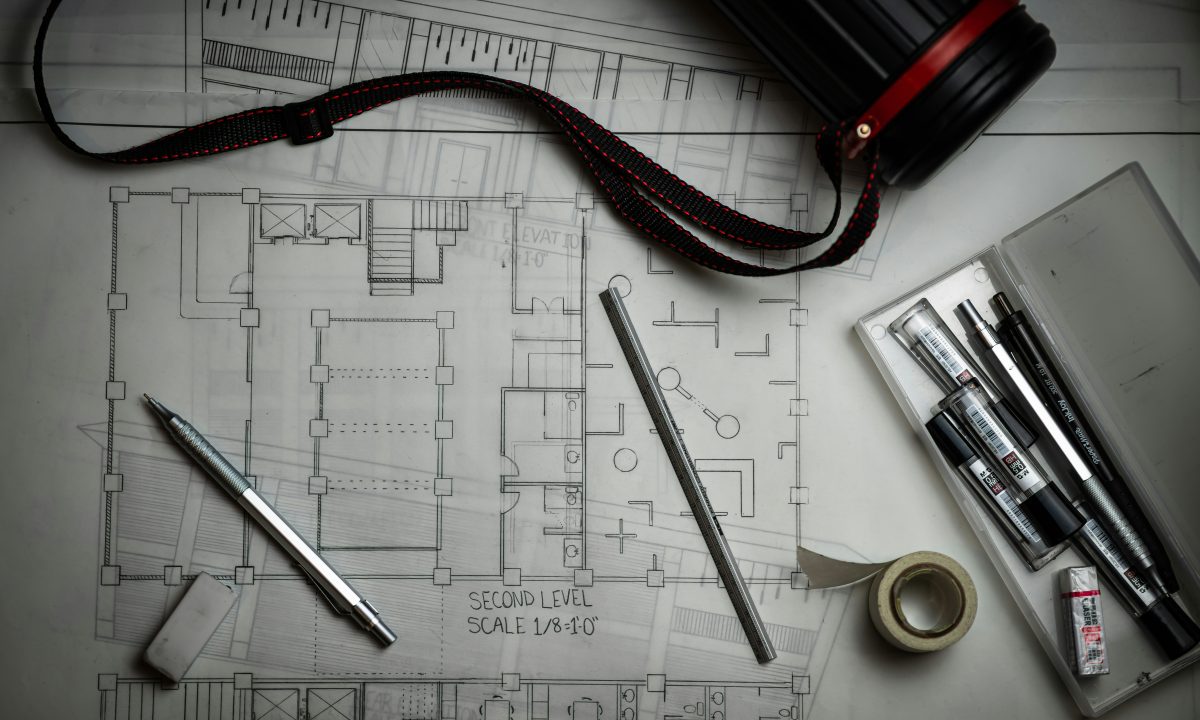
Large drawings often move between paper and digital formats. An architecture practice may need to reproduce a marked-up plan, archive a signed drawing or make a working copy for a site team. A retailer or school may use a large-format printer for posters and display material, while also needing to digitize paper originals.
By integrating the scanner into the TM-610M and TM-510M, Canon is combining those tasks in a single device footprint. The models use a flat-top design so that a large original can be placed across the top for scanning. This is intended to make loading and handling wide documents more straightforward than moving them between separate machines.
For offices planning a new installation, the integrated approach can simplify the equipment layout and reduce the number of separate devices that staff need to learn. It does not remove the need to plan for floor space, power, network access and document storage, but it brings printing and large-format capture into one workflow.
Presets help match scanning to the original
Canon says the new MFP models use sensor-correction technology to reduce differences between individual sensor characteristics and help keep scan colors consistent. Light sources positioned on both sides of the sensor illuminate the original, helping reduce shadows and uneven brightness caused by folds or wrinkles in paper.
The scanner also includes preset modes that allow users to choose the type of original from the control panel. A CAD drawing can be scanned with an emphasis on crisp lines and text, while color drawings and maps can be captured with clearer color distinctions. For older blueprint-style drawings, the system can remove discoloration caused by aging and produce a more readable monochrome copy with emphasized lines and lettering.
These modes are useful because large-format originals are not all alike. A fine-line engineering plan, a color-coded map and a faded blueprint require different treatment. Presets can reduce the amount of manual adjustment needed for common jobs, although teams should still review critical scans before using them as the authoritative digital record.
Matte black ink targets technical detail
All eight new models use a newly developed matte black ink with higher black density. Canon says this helps reproduce fine lines and small characters more clearly on technical drawings. The lineup is also designed to produce vivid posters on plain paper, combining the black ink’s line definition with the color system’s ability to create graphics for retail, hospitality and education settings.
That combination reflects the mixed workload common in small and medium-sized design offices. A device may be expected to produce accurate construction drawings in the morning and promotional posters later in the day. The choice of media, print mode and color settings will still influence the result, but the new ink is intended to support both precise line work and more colorful display material.
Materials and environmental credentials
Canon reports that the new products use recycled material for approximately five percent of the steel and 25 percent of the resin in the main body. The models are also registered at the Bronze level under EPEAT 2.0 in the United States. These details provide buyers with additional information when comparing equipment for offices that include environmental criteria in procurement decisions.
Planning an installation
Before selecting a model, offices should compare the largest original they need to scan with the device’s supported width, and check whether the A0-plus TM-610M or A1-plus TM-510M is the better fit. Teams should also plan where scanned files will be stored, who can access them and how naming conventions will be maintained. A convenient scanner is most useful when its output fits an organized document workflow.
Canon’s TM expansion gives large-format users a more integrated option for printing, scanning and copying. For firms that regularly move technical drawings between paper and digital records, the built-in scanner is the central change: it brings capture closer to the point where large-format documents are produced and used.
Estimated reading time: 5 minutes.